• Instagram
  • Facebook
  • TikTok
  • XTwitter
  • Pinterest
  • Youtube

🇨🇦

2007-2026

  • Home
  • Obsah
  • Moje výtvory
  • Santova vesnice

How do I see a call's status?

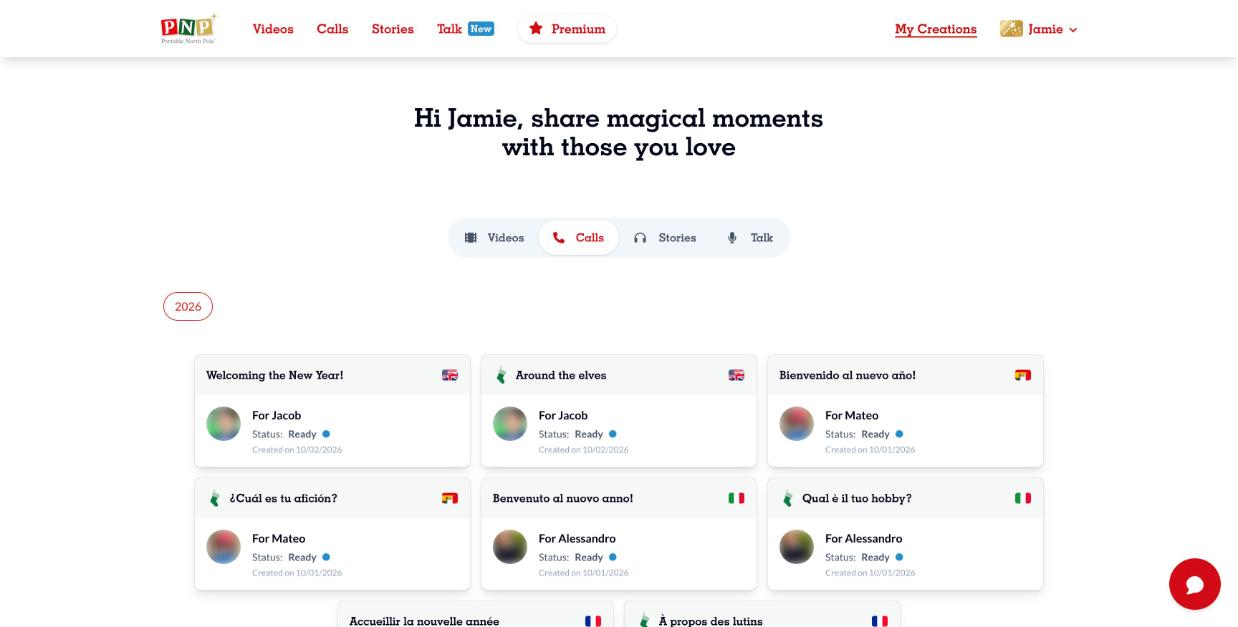
To see a call's status on the PNP website:
1. Go to My Creations and open the Calls section.
2. On the call you want, select the history icon on the call (three bullet points with lines).

To see a call's status on the PNP mobile app:
1. Go to My Creations and open the Calls section.
2. Select the call you want to look at to open its information page.

NOTE: If there have been no attempts yet, the History icon will not be there yet.

Zpět