How do I apply my purchase of a single call?
Once you've bought a single Premium call, here's how to create and send it:
- Go to the Calls section and open the call you bought. You can click Preview to listen to it first.
- Click Personalize, choose the language and the recipient, fill in the form and create the call.
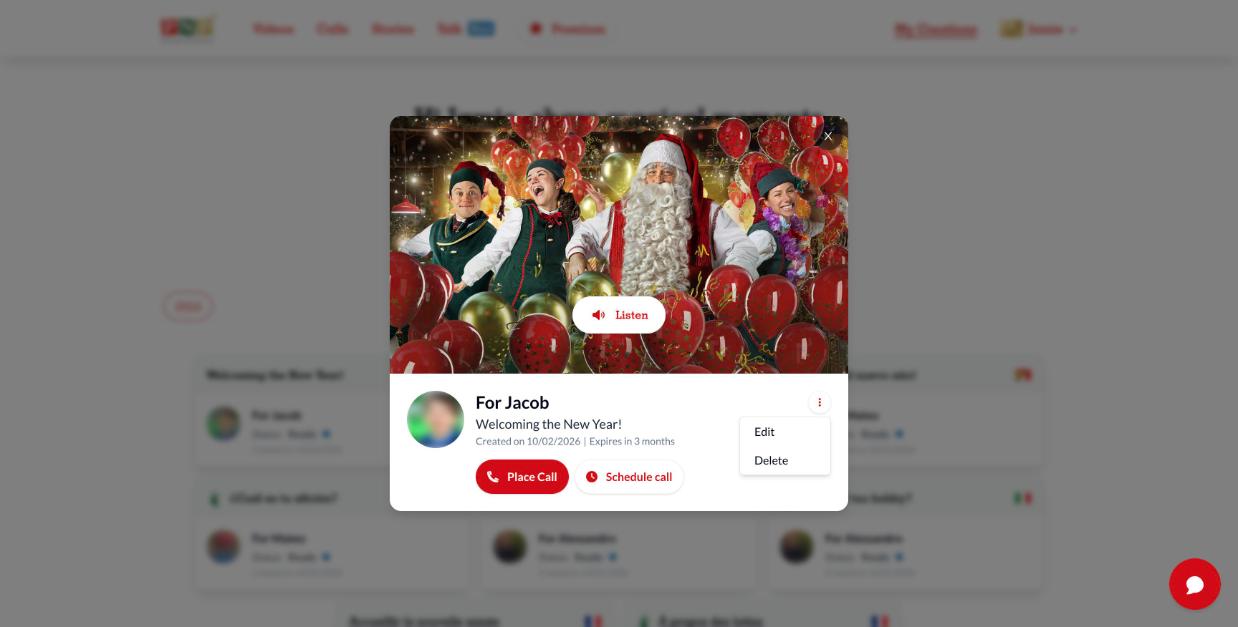
- Go to My Creations > Calls and open your call.
- Click Place Call to call now, or Schedule call to choose a date and time.
The recipient answers, hears an elf, and presses 1 to listen to Santa's message. See How do I schedule or reschedule a Santa Call? for details.