My call is lost
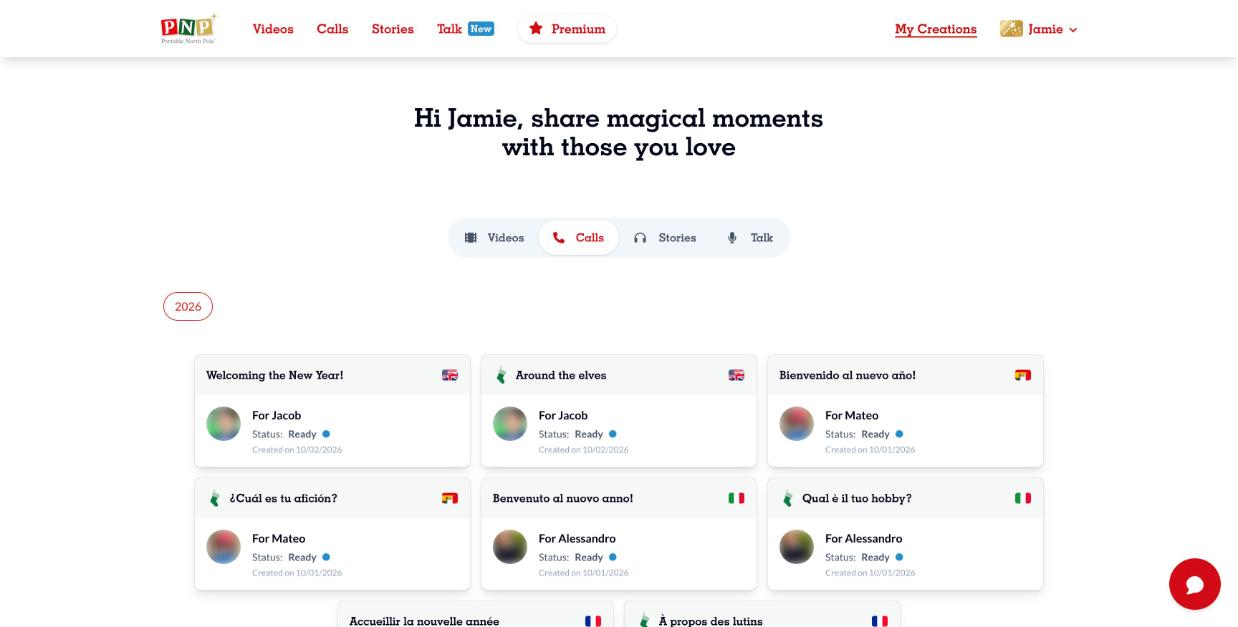
All your calls are saved in My Creations:
- Website: click My Creations at the top right, then the Calls tab.
- App: tap My Creations at the bottom of the screen, then Calls.
If you don't see your call:
- Check that you are logged in with the same email you used to create it. Log out and back in if needed.
- Check the year selector at the top of My Creations.
- Refresh the page or update the app, and try another browser.
Still need help? Our elves are happy to help: contact our elves using our support request form.