How do I apply my purchase of a single video?
Once you've bought a single Premium video, here's how to create it:
- Go to the Videos section and open the video you bought.
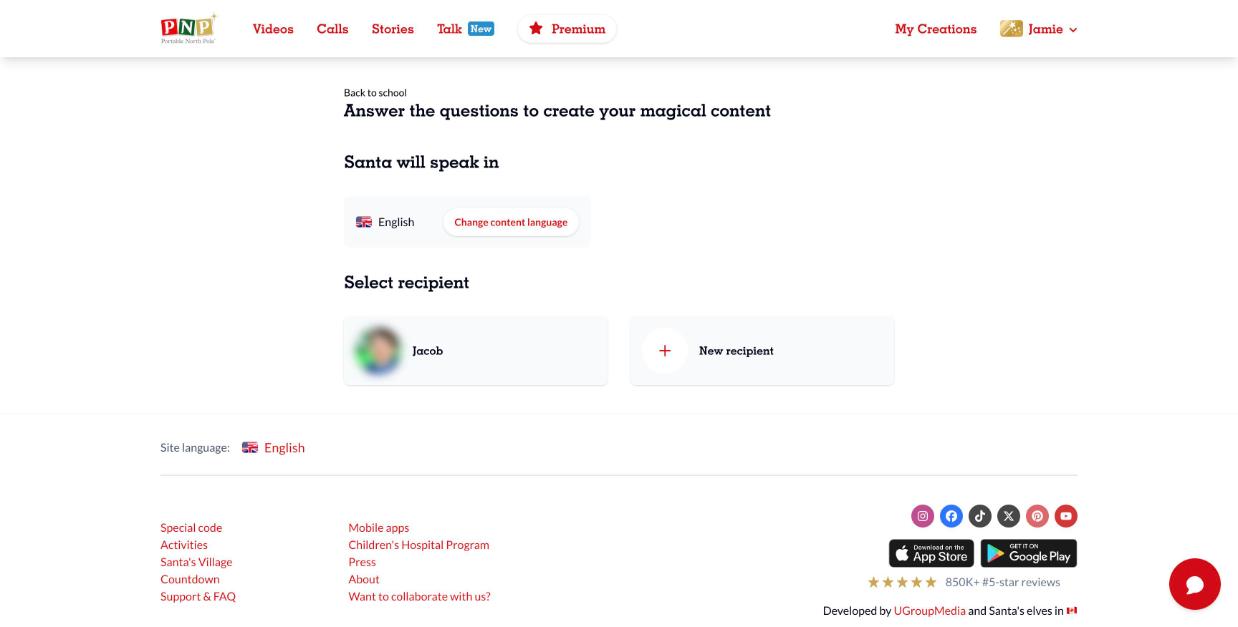
- Click Personalize.
- Choose the language Santa will speak, then select a recipient (or click New recipient).
- Fill in the personalization form (name, details, photos when the video allows it), accept the terms and click the create button.
- Your video appears in My Creations > Videos, ready to watch and share.
A single video purchase is a one-time payment and stays active for 1 year. To get access to all Premium videos and calls, see What is the Magic Pass?.