How do I schedule or reschedule a Santa Call?
- Go to My Creations and open the Calls tab.
- Click the call you want to send, then click Schedule call.
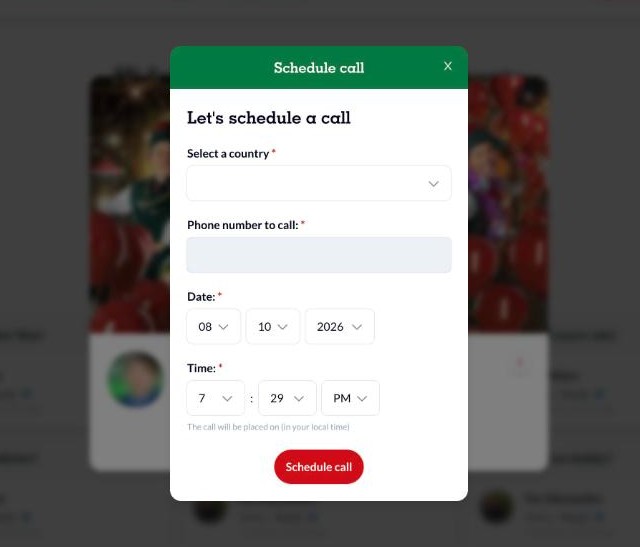
- In the Schedule call window, select the destination country and enter the phone number. Check the country code and don't add spaces, dots or dashes.
- Choose the date and time. The time is in your local time, even if you're calling another time zone.
- Click Schedule call.
To change the time, open the call again and reschedule it the same way. To call right now instead, click Place Call.