How do I use a promo code to get a discount on my purchase?
If you received a discount (promo) code, you can use it on the PNP website:
- Log in to your PNP account.
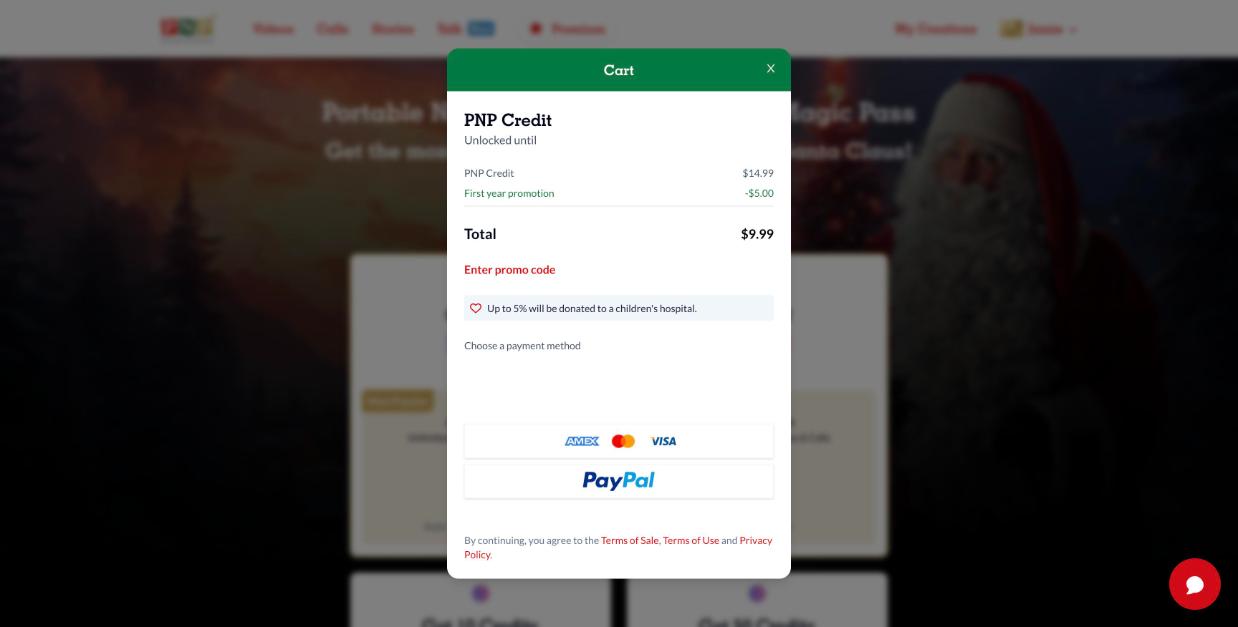
- Click the price of the product you want (for example a Magic Pass on the Premium page). The cart opens.
- Click Enter promo code, type your code exactly as you received it and apply it. The new total is shown in the cart.
- Choose your payment method and confirm.
Note: discount codes can't be used for purchases made in the mobile app (those are processed by the App Store or Google Play).
Got a code that unlocks content (for example from a partner or a gift)? That's a voucher code: see How do I redeem a promo code or a voucher?.