How do I create a Recipient?
On the website
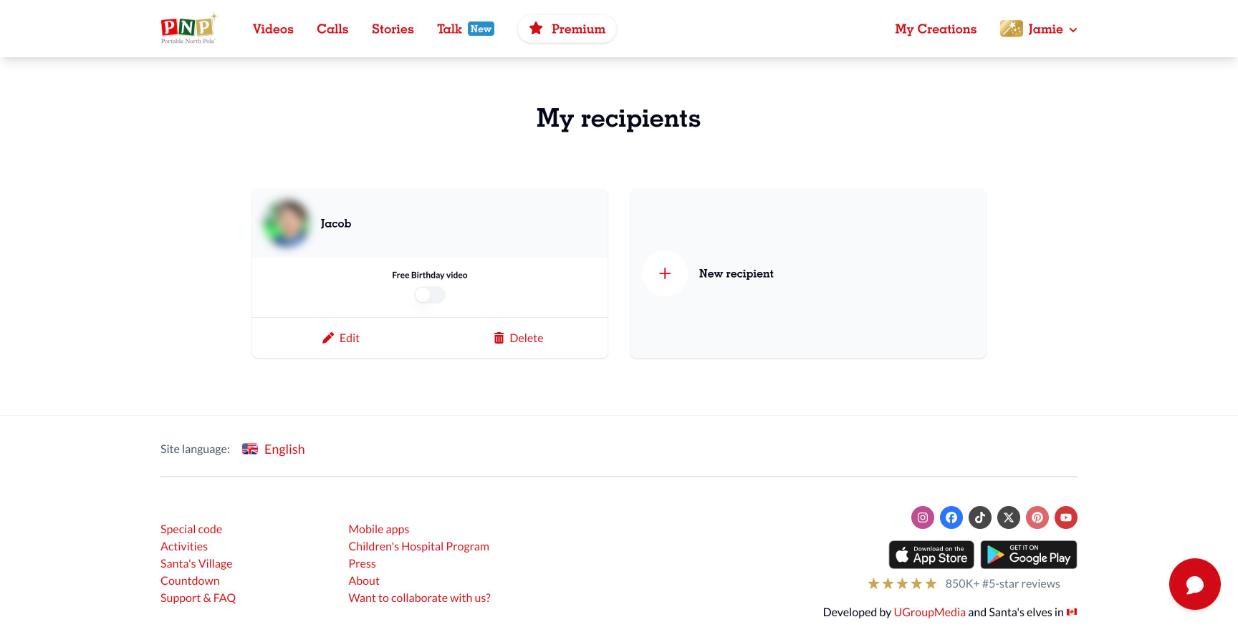
- Click your name at the top right and select My recipients.
- Click New recipient.
- Fill in the recipient's details and save.
In the app, open the menu, select My recipients and tap the profile icon with a +.
You can also create a recipient while personalizing: on the Select recipient step, click New recipient.