Can I make changes to a video once it is completed?
Yes! After you make a video, you can edit everything except the video scenario itself.
- Go to My Creations and open the Videos tab.
- Click the video you want to change.
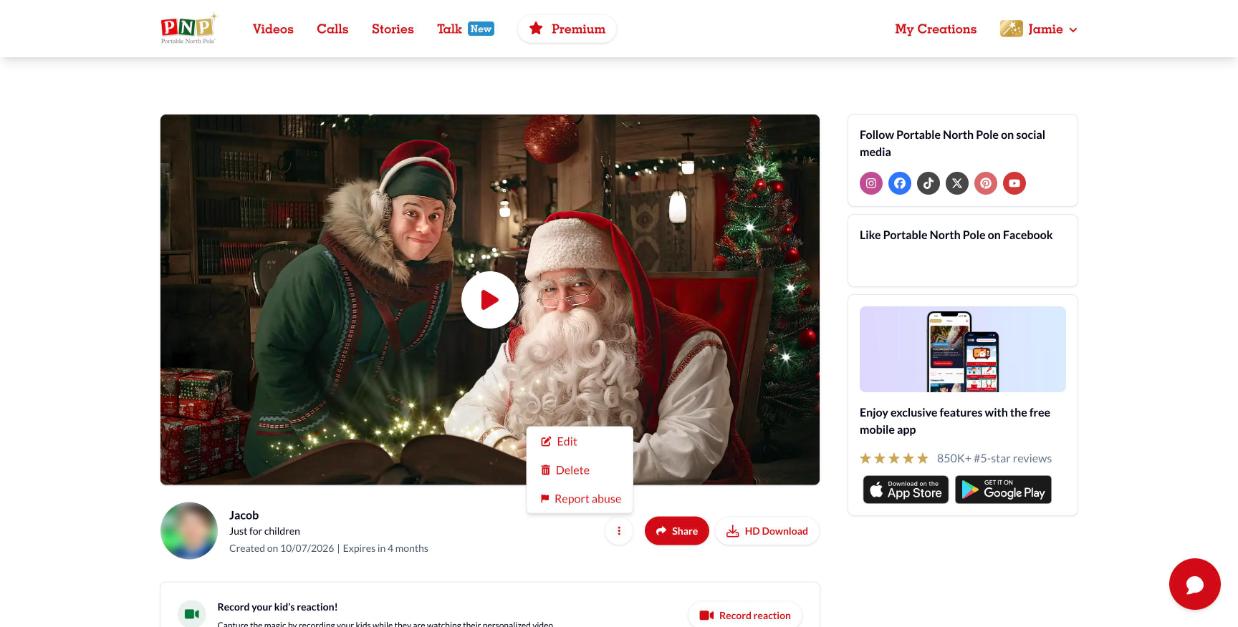
- Click the ⋮ (more options) button under the video and select Edit.
- Update the form and create the video again.
Note: the video needs to generate again after editing. You can't edit while it's generating. If you downloaded the old version, download it again after the update.