How do I create personalized videos on PNP?
On the website
- Click Videos in the top menu and browse the videos (use the filters to narrow them down).
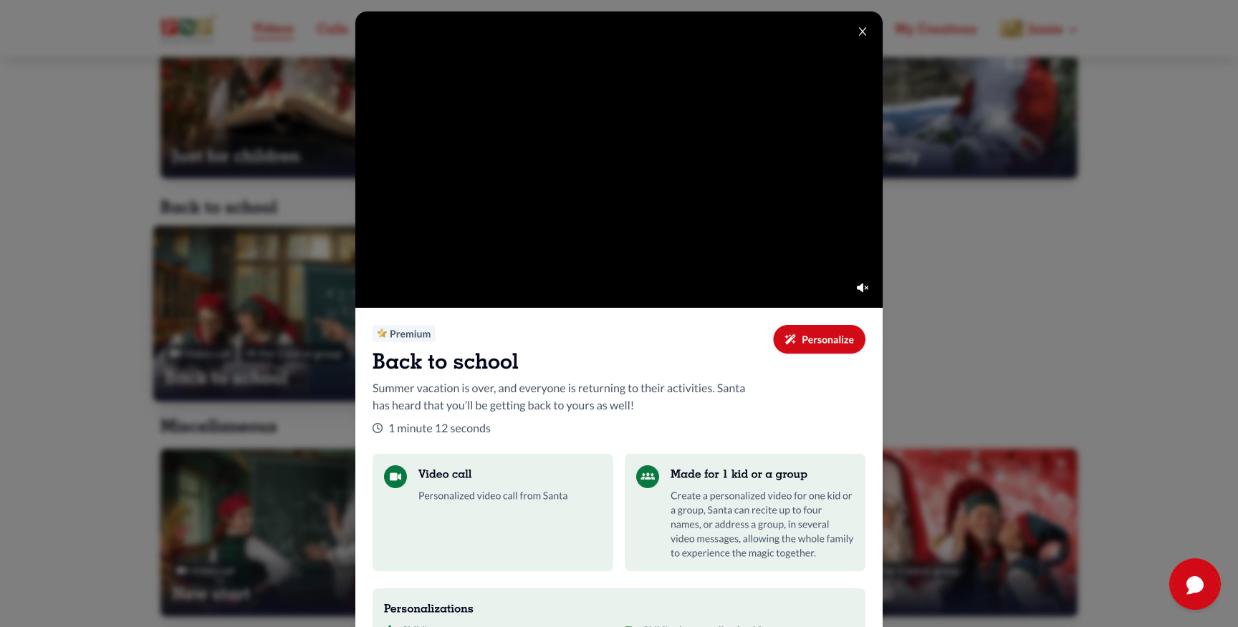
- Click a video to see its details, then click Personalize. For group videos, choose 1 recipient or Multiple recipients.
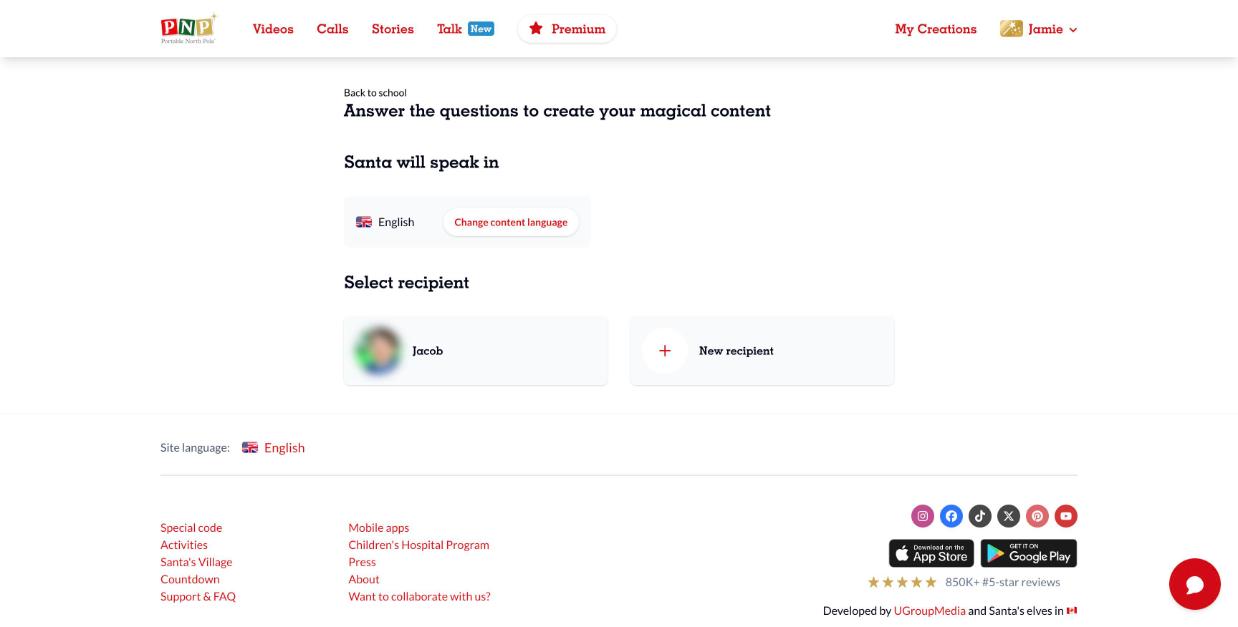
- Choose the language Santa will speak and select your recipient (or New recipient).
- Fill in the form, accept the terms and create your video.
- Find it in My Creations, ready to watch and share.
In the PNP app
- Go to the Parents' Corner and open the Videos section.
- Choose a video, tap to personalize it, select the option and fill in the form.
- Find it in My Creations.
Keep the magic safe: to send your child a version without any PNP links, open the video, click Share and use Share with [child's name], or open the kids player.
Premium videos need an active Magic Pass or a single video purchase.