How do I redeem a promo code or a voucher?
On the PNP website
- Log in to your PNP account (click Log in at the top right). If you don't have one yet, you can create it in the same window. See How can I create a new PNP account?.
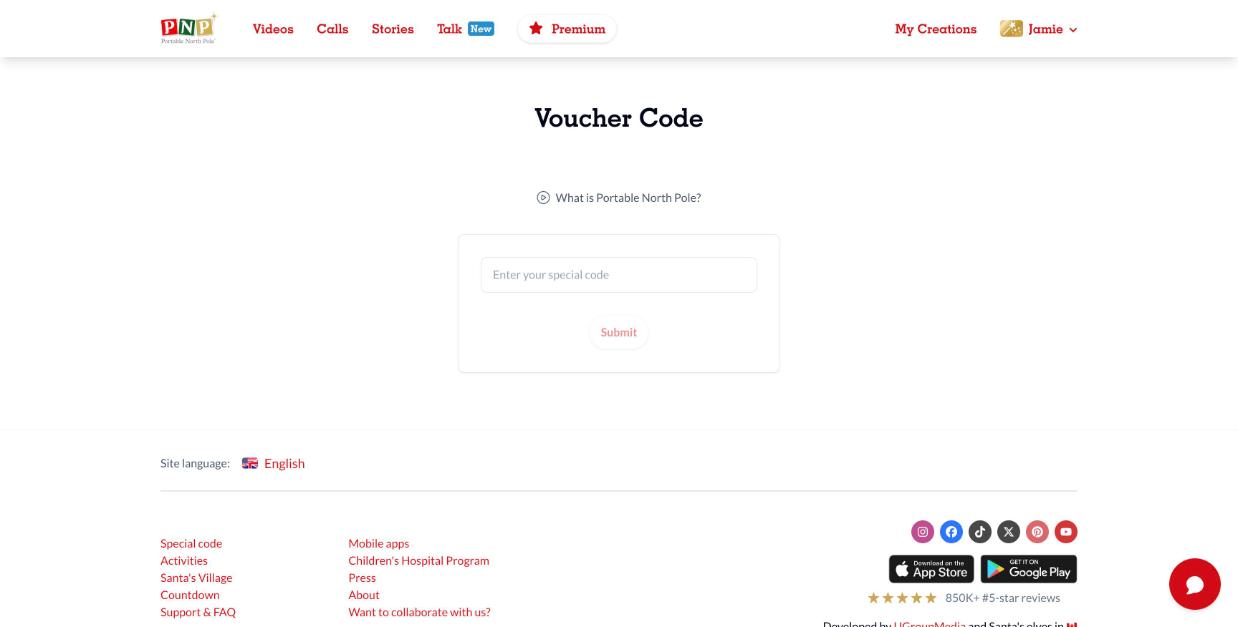
- Open the menu under your name and select Special code (you'll also find it at the bottom of every page), or go directly to portablenorthpole.com/en/coupon-code.
- Type your code in Enter your special code and click Submit.
In the PNP mobile app
- Go to the Parents' Corner and open the settings menu.
- Sign in to your PNP account if you haven't already.
- Select Redeem gift card or code, enter your code and select Submit.
Have a discount (promo) code instead? Those are entered in the cart when you buy. See How do I use a promo code to get a discount?.