How do I create a Santa Call on the website?
Creating a call from Santa only takes a few minutes. You need an active Magic Pass or a single call purchase. Write your topic calls use credits.
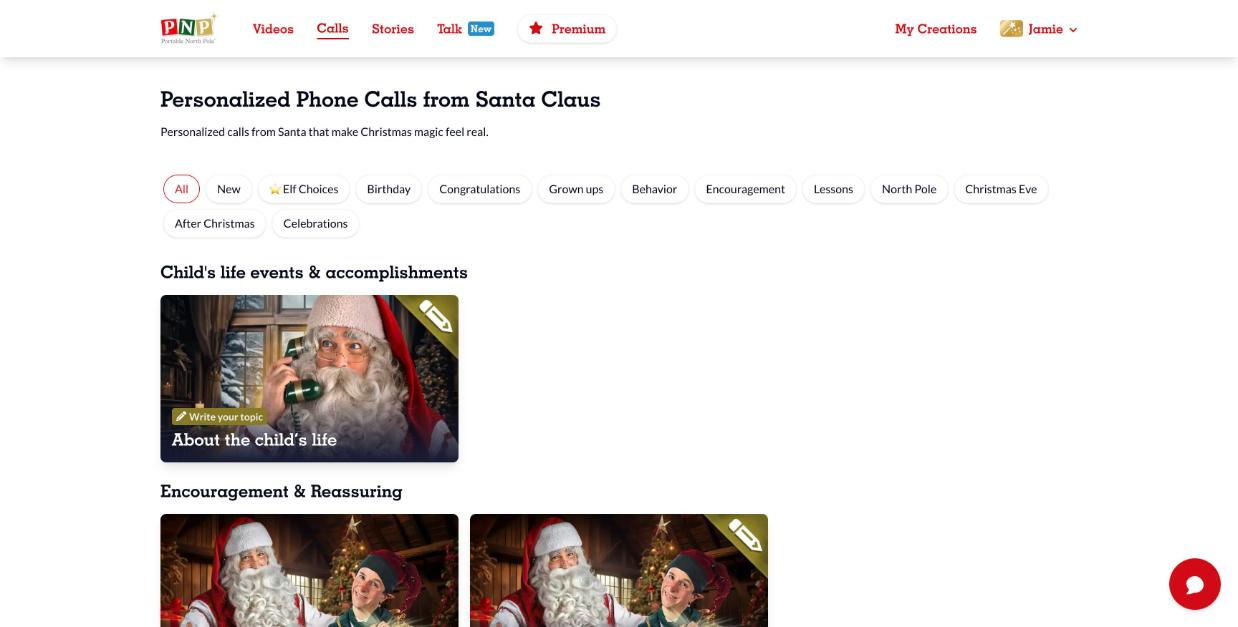
- Log in and click Calls in the top menu. Use the filters (Birthday, Behavior, Christmas Eve…) to find the right call.
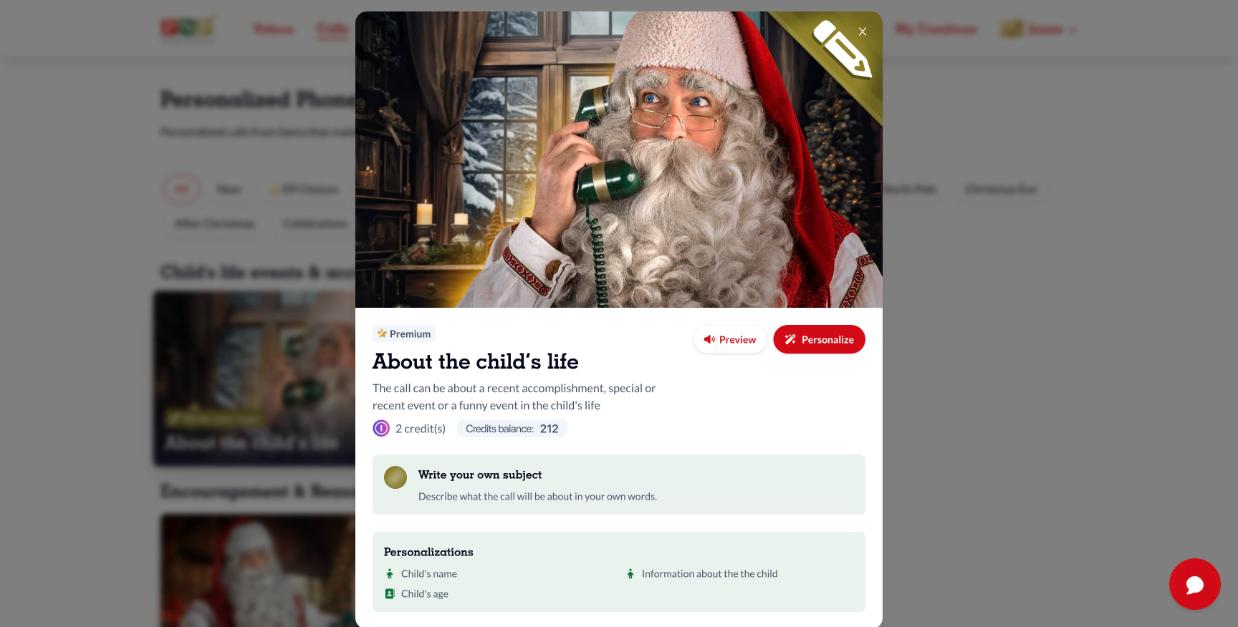
- Click a call to see its details. Click Preview to listen to it, then click Personalize.
- Choose the language Santa will speak and select your recipient (or click New recipient).
- Fill in the form, accept the terms and create the call.
- Your call is saved in My Creations > Calls. Open it and click Place Call to call now, or Schedule call to pick a date and time.

Tip: the scheduled time is in your local time, so keep the time difference in mind if you're calling someone in another time zone.