• Instagram
  • Facebook
  • TikTok
  • XTwitter
  • Pinterest
  • Youtube

🇨🇦

2007-2026

  • Hem
  • InnehÃ¥ll
  • Mina skapelser
  • Tomtens by

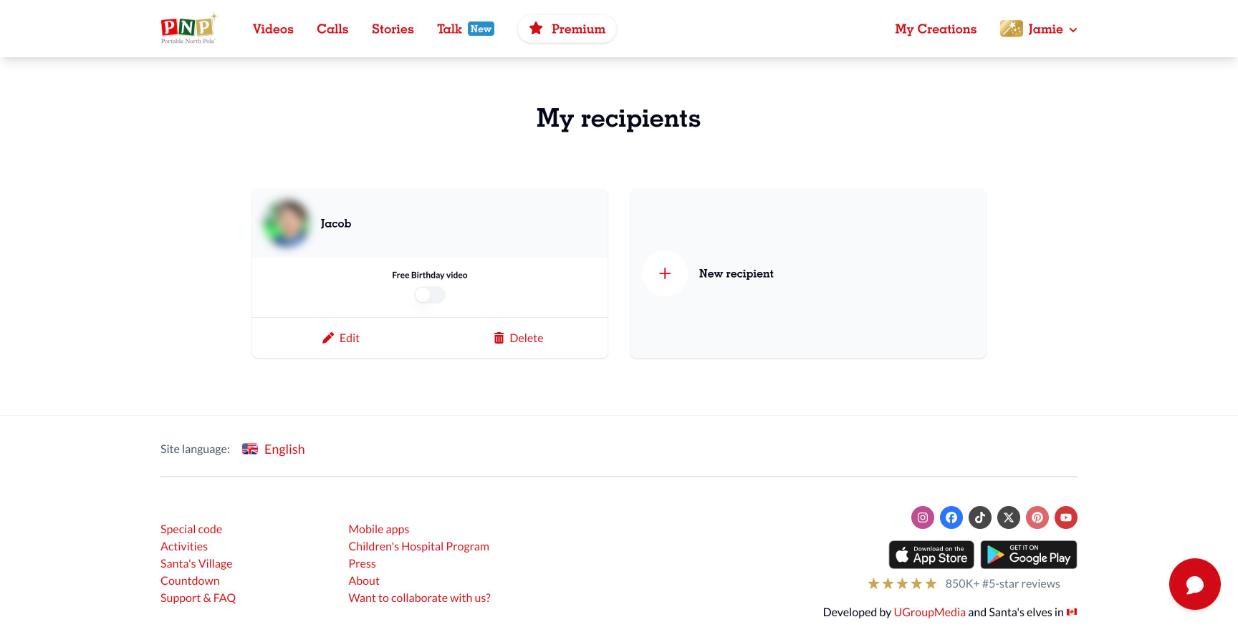
How do I create a Recipient?

On the PNP website: 

  1. Select your name in the top right corner
  2. Select My recipients
  3. Click on New Recipient
  4. Fill out the form with the recipient's details and select Create

On the PNP mobile app: 

  1. Open the settings menu in the header bar
  2. Select My recipients
  3. Select the profile icon that will be on the top right corner with a '+' sign
  4. Fill out the form with the recipient's details and select Create

Additionally, when you create a video or call for someone new, instead of using a recipient who is already on your list, a recipient can automatically be added to your account to save all the information you've entered about them.

Tillbaka