How do I download a video message?
With a Magic Pass or a Download Pass, you can download your videos as many times as you like (1080p HD with the Magic Pass).
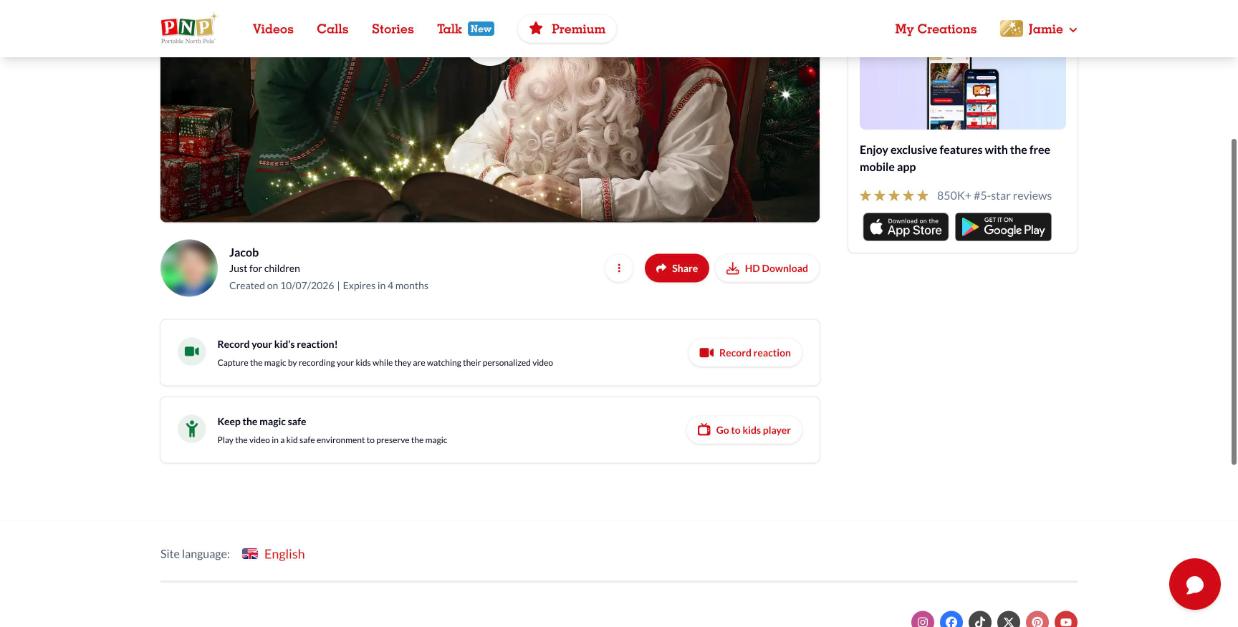
- Go to My Creations and open the video.
- Click HD Download under the video.
- The MP4 file is saved to your computer or device.
Download not starting?
- Refresh the page and click HD Download again.
- Try Google Chrome. Some browsers (like Safari) may block or open the file instead of downloading it.
- Right-click the download button and choose Save link as… (or Download Linked File As…) to pick where to save it.
Still need help? Our elves are happy to help: contact our elves using our support request form.