How do I unsubscribe from PNP emails and/or mobile notifications?
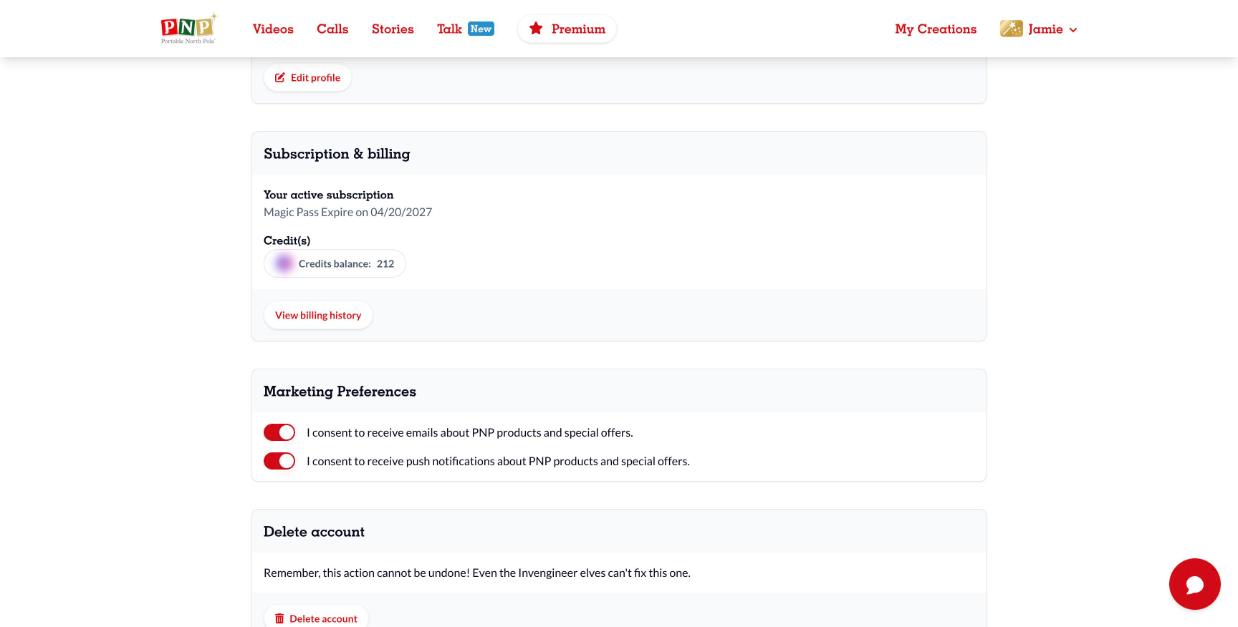
Emails: click Unsubscribe at the bottom of any marketing email, or log in, click your name, select My account and turn off the email option in Marketing Preferences.
Push notifications: in the same Marketing Preferences section, turn off I consent to receive push notifications. You can also turn off notifications for the PNP app in your phone's settings.