How do I watch my Santa Videos?
On the website
- Go to portablenorthpole.com and log in.
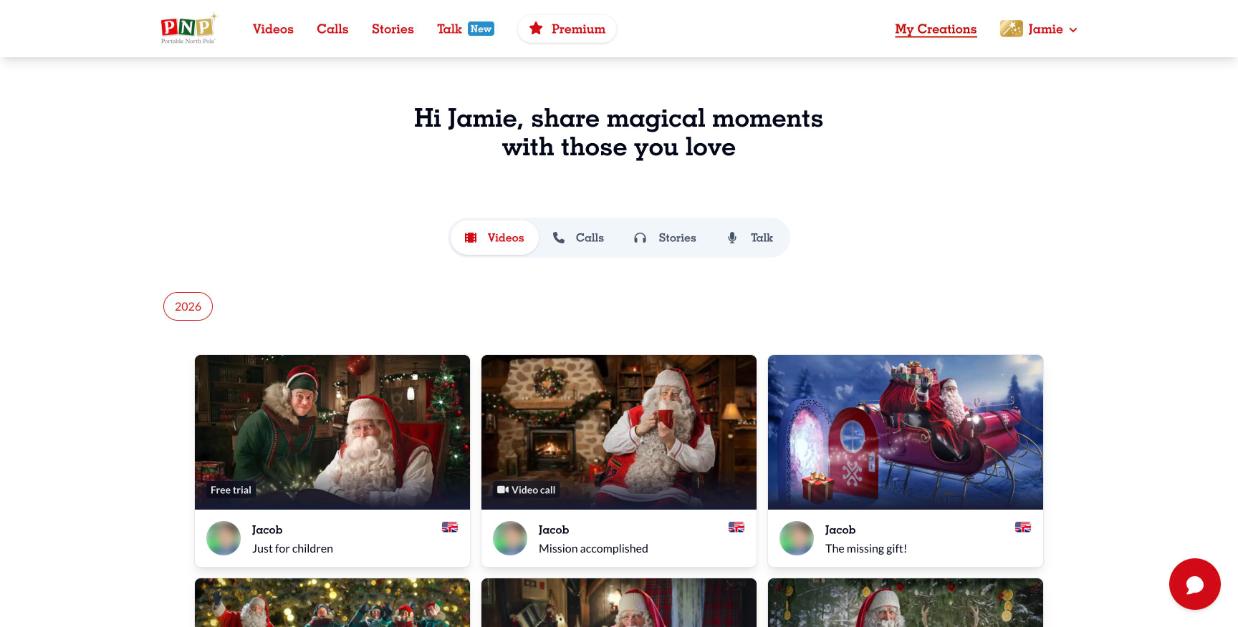
- Click My Creations at the top right. You're on the Videos tab.
- Click a video to open it, then press play.
From the video page you can also Share it, download it in HD (Magic Pass), record a reaction, or open the kids player to watch in a kid-safe screen.
Interactive videos let you make choices during playback: just follow the prompts on screen.