How do I check my purchase details?
On the PNP website:
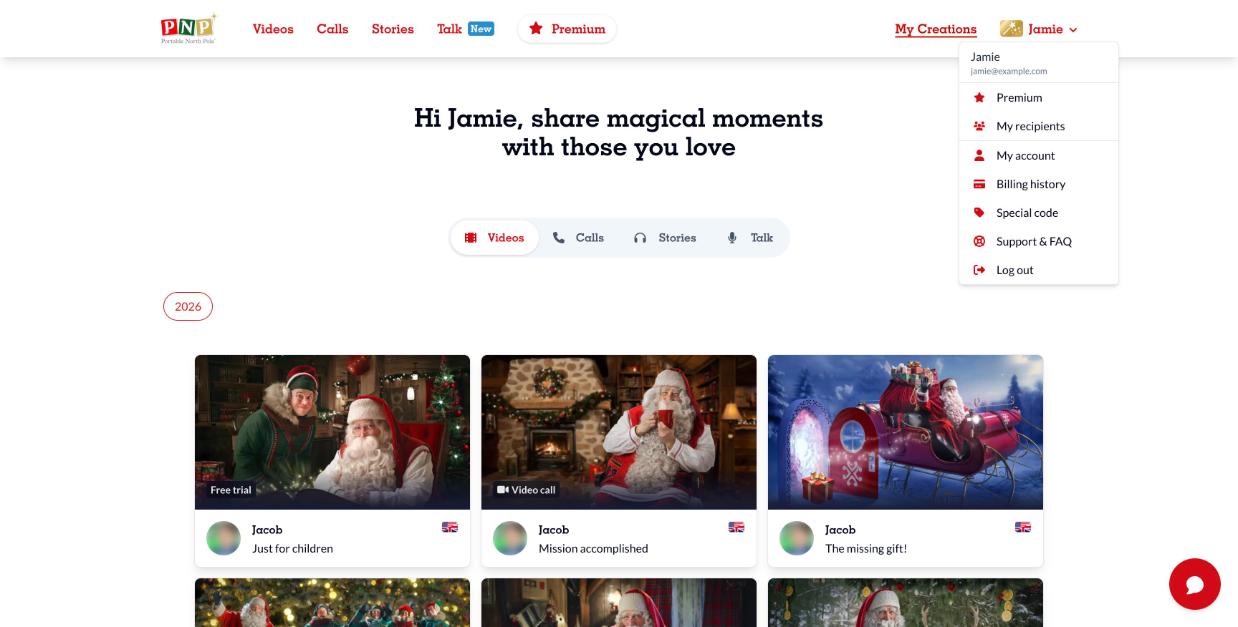
- Log in and click your name at the top right.
- Select Billing history. (You can also click View billing history in My account.)
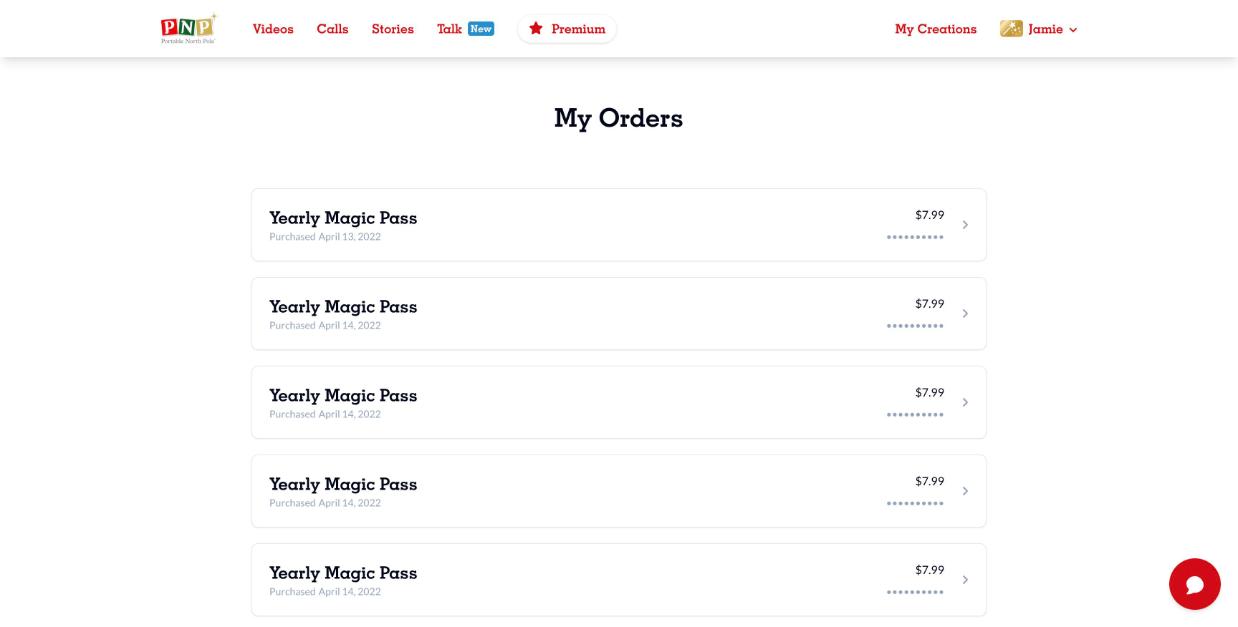
- The My Orders page lists your purchases with the product, price and purchase date. Click an order to see its details.
For purchases made in the app, your receipt is also available from the App Store or Google Play.