How do I use the Reaction Recorder?
Note: the Reaction Recorder is included with the Magic Pass. It needs a camera and microphone, and your permission to use them.
On the website (Google Chrome recommended)
- Go to My Creations > Videos and open the Santa video you want to show.
- Click Record reaction under the video.
- Follow the steps to play the video and record your child's reaction.
- Wait for the upload to finish (you'll see "reaction uploading" in My Creations).
- Your reaction video appears in My Creations > Videos.
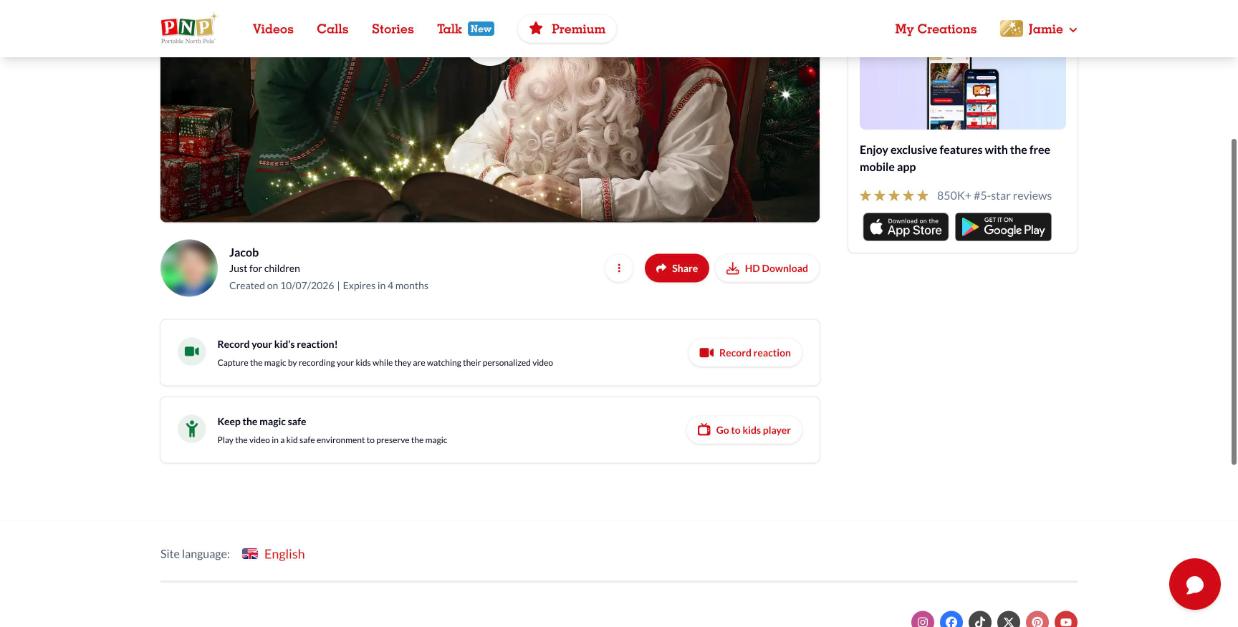
In the app, go to My Creations > Videos in the Parents' Corner, select the video and tap Reaction Recorder. On iPhone and iPad, keep the app open and the screen on until the upload is complete.
The Reaction Recorder can't be used on interactive videos or videos that include a call.