What can I do in the My recipients section?
To open it on the website, click your name at the top right and select My recipients. In the app, find it in the main menu.
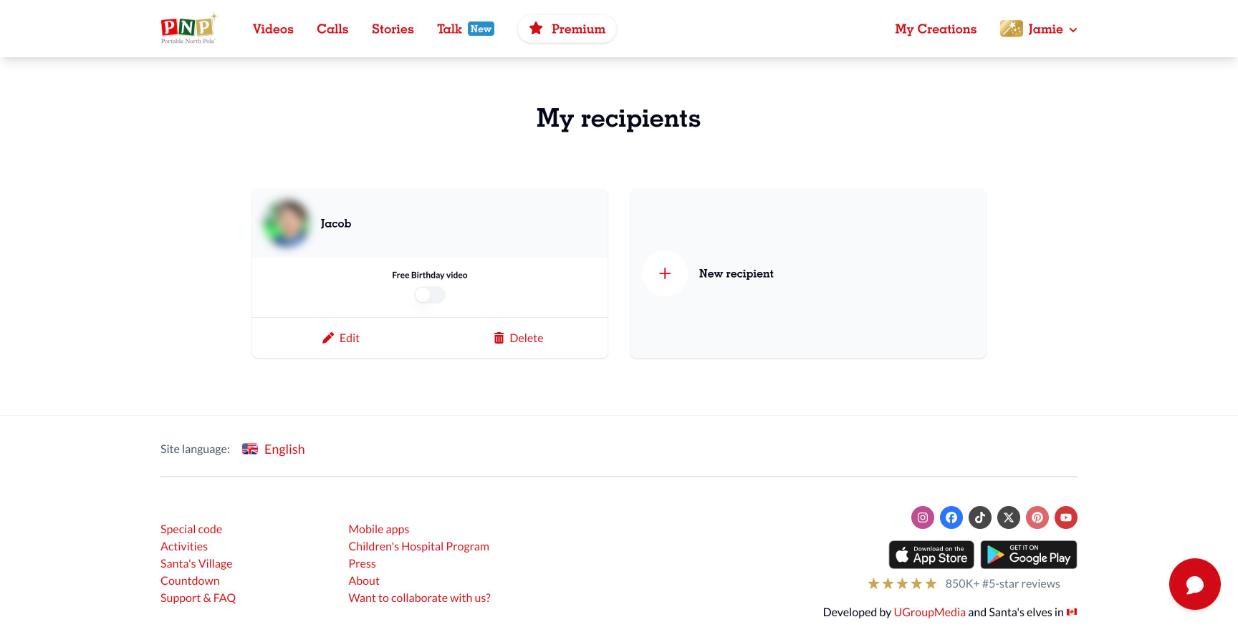
There you can:
- Add a new recipient (click New recipient)
- See all your recipients
- Turn the Free Birthday video on or off for each recipient
- Edit a recipient (name, photo, birthday)
- Delete a recipient
⚠️ Deleting a recipient also deletes all the videos and calls made for them. This can't be undone.